
Please see the information below for instructions on setting up your Kinwi store.
You are welcome to contact us at any time for assistance in setting up your store and listing your products – we are happy to help!
Please ensure you are clear on our Policies, the products you are able to list, as well as your legal requirements for Health and Safety. Our Policies can be viewed here.
To register as a vendor on our platform, use the link here, or click on the “Vendor signup” icon in the header or side menu.
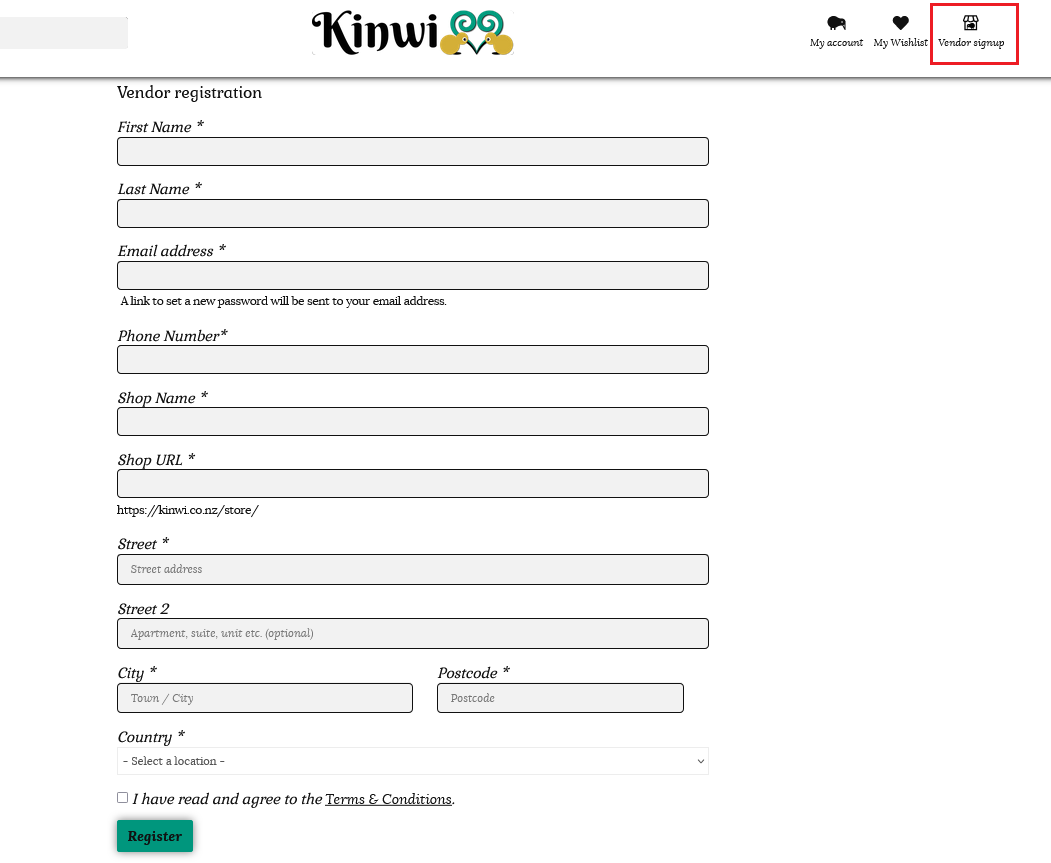
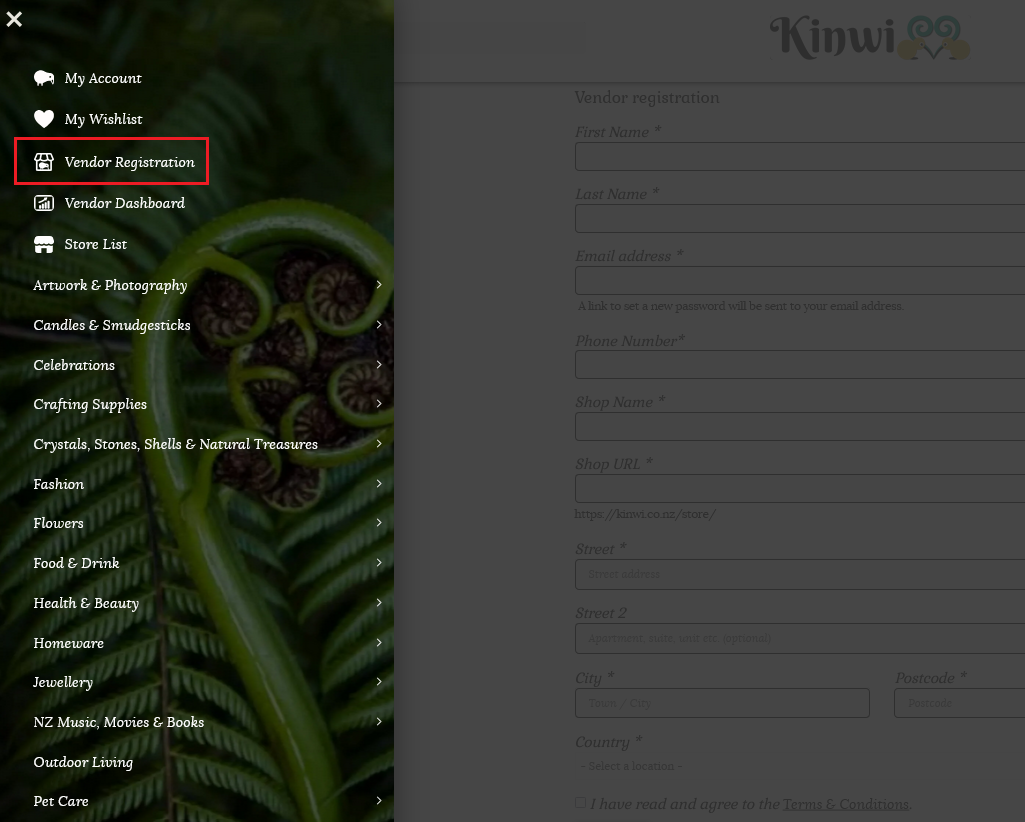
Please fill out this registration form with your details as labelled. Your shop URL will be https://kinwi.co.nz/store/name- of -your- store
If your store has multiple words, separate these with a dash as shown above.
Tick the checkbox to confirm you have read and agree to our Terms & Conditions and submit your form.
You will see the following message.
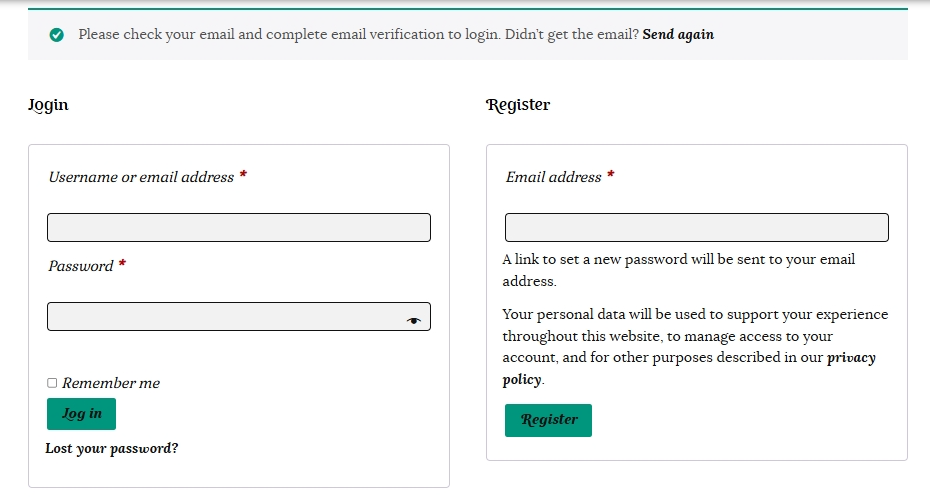
Please check your email and click on the link in the “Welcome to Kinwi” email to verify your email address.
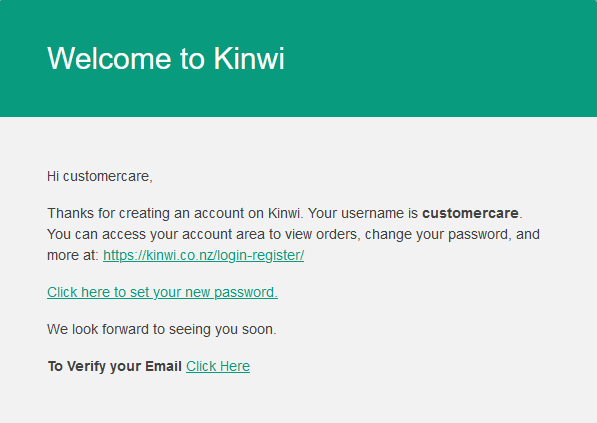
Once you click the link to verify your email address you will be directed to your account.
Here you can click the link to take you to your Vendor dashboard to start setting up your new store.
Click the link in the Welcoming email to set your new password for the Kinwi site.
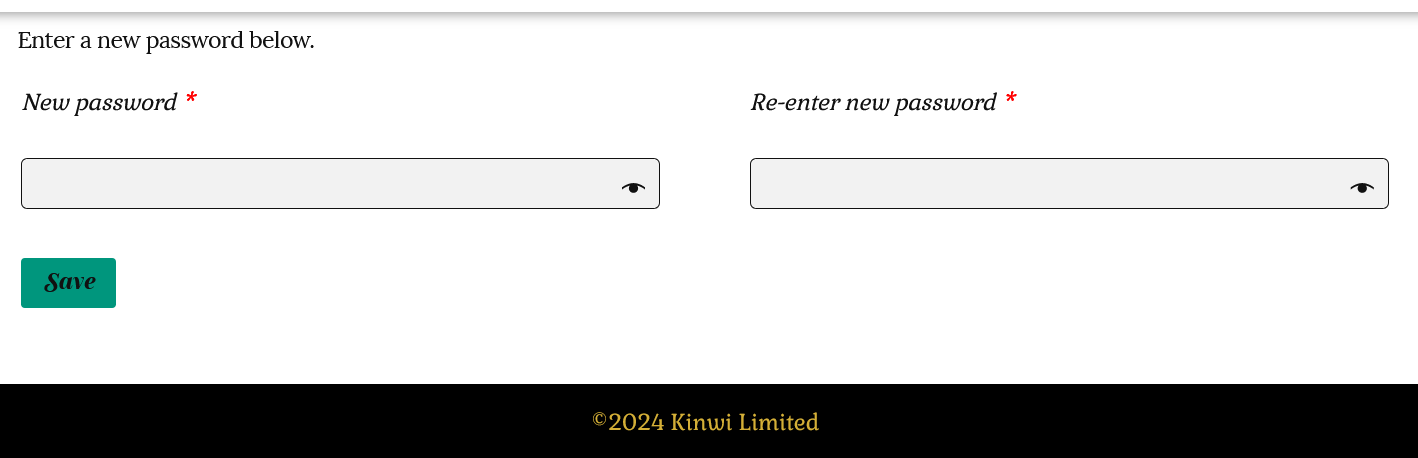
Once you have created a new password for your account you can log in anytime and click on the “Go to Vendor Dashboard” to access your store.

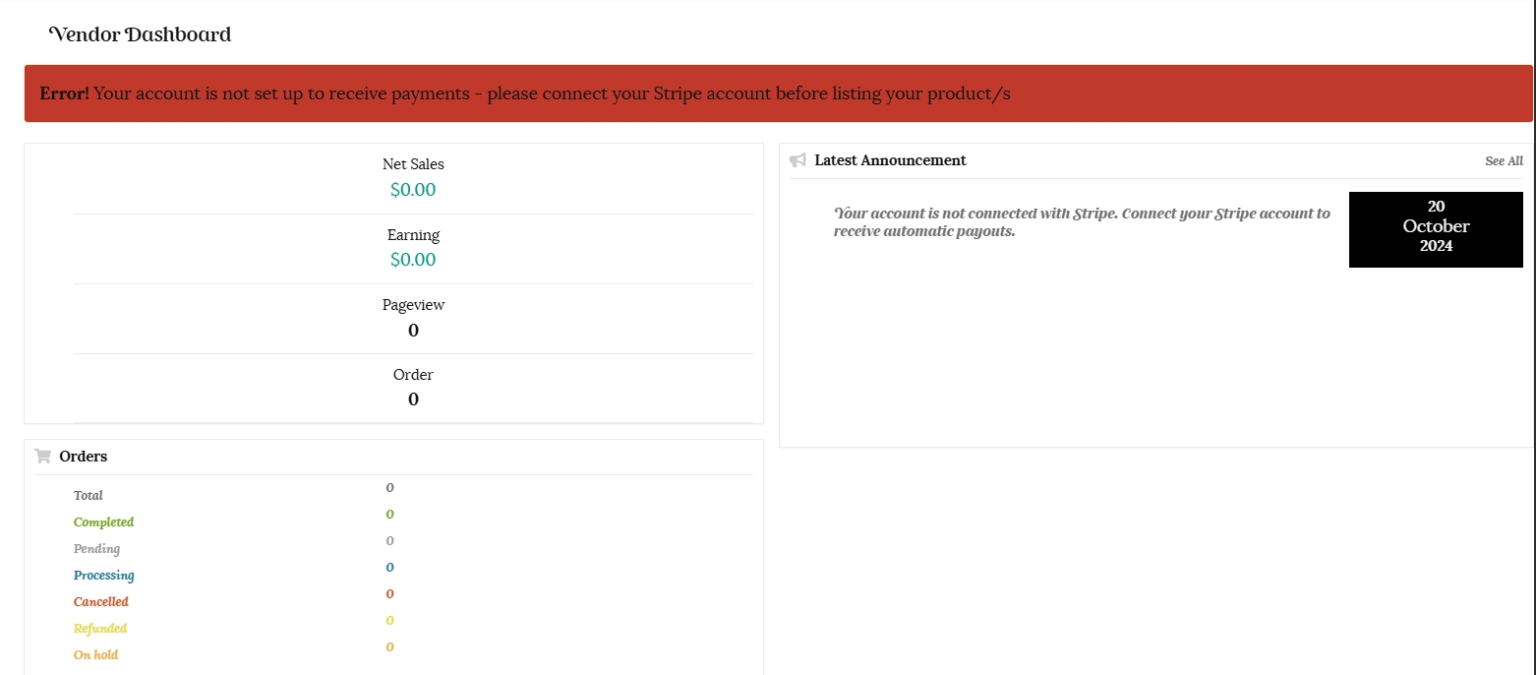
Please note, until your account is connected to receive payments you will see the warning message in red below. Instructions on connecting your account to Stripe can be found in the next tutorial. You will not be able to list products until your account has been connected to receive payments. You will receive an email once your vendor account has been successfully activated.
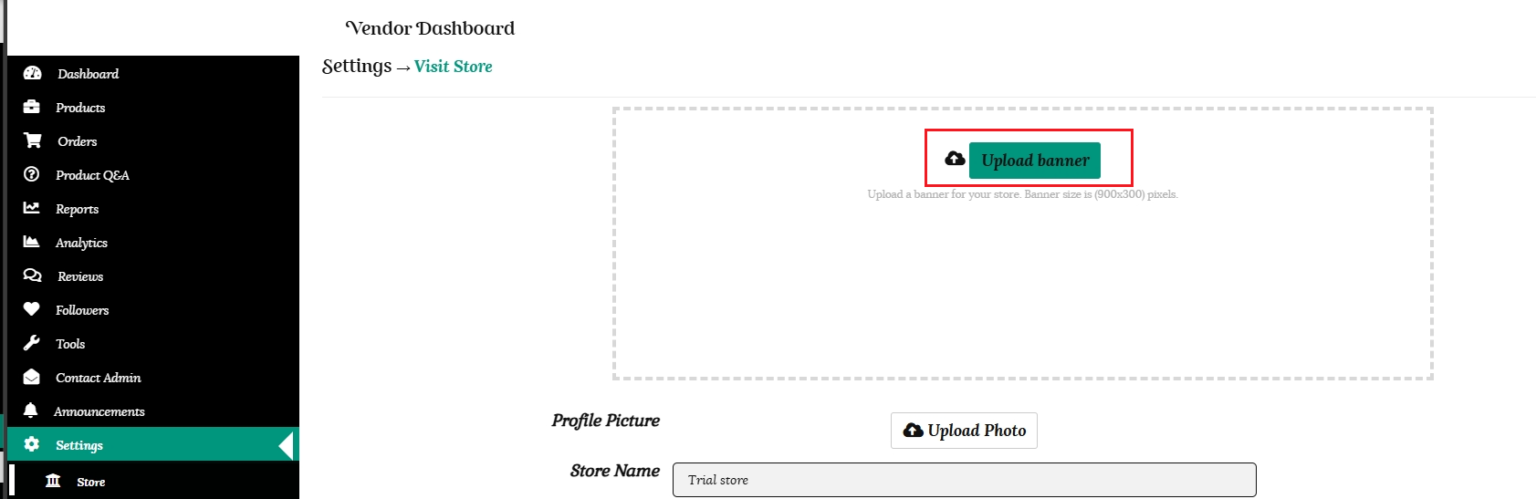
Once you are on your vendor dashboard, go to Settings, then Store to setup your store.
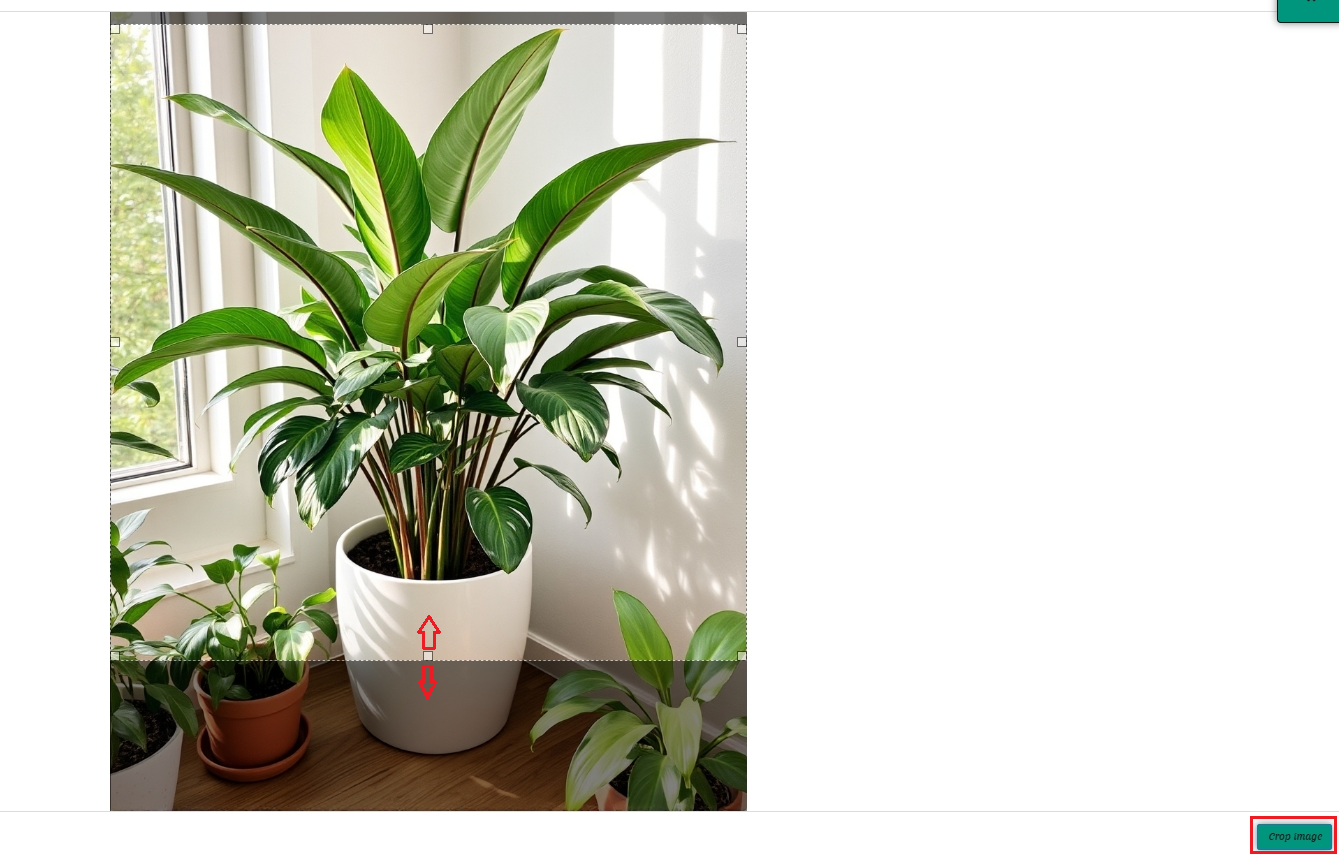
1/ Upload a banner for your store. This should be 900 x 300 pixels. Once you have uploaded your image, the recommended banner size is already loaded as a template, so you can drag it to suit if you have a larger image.
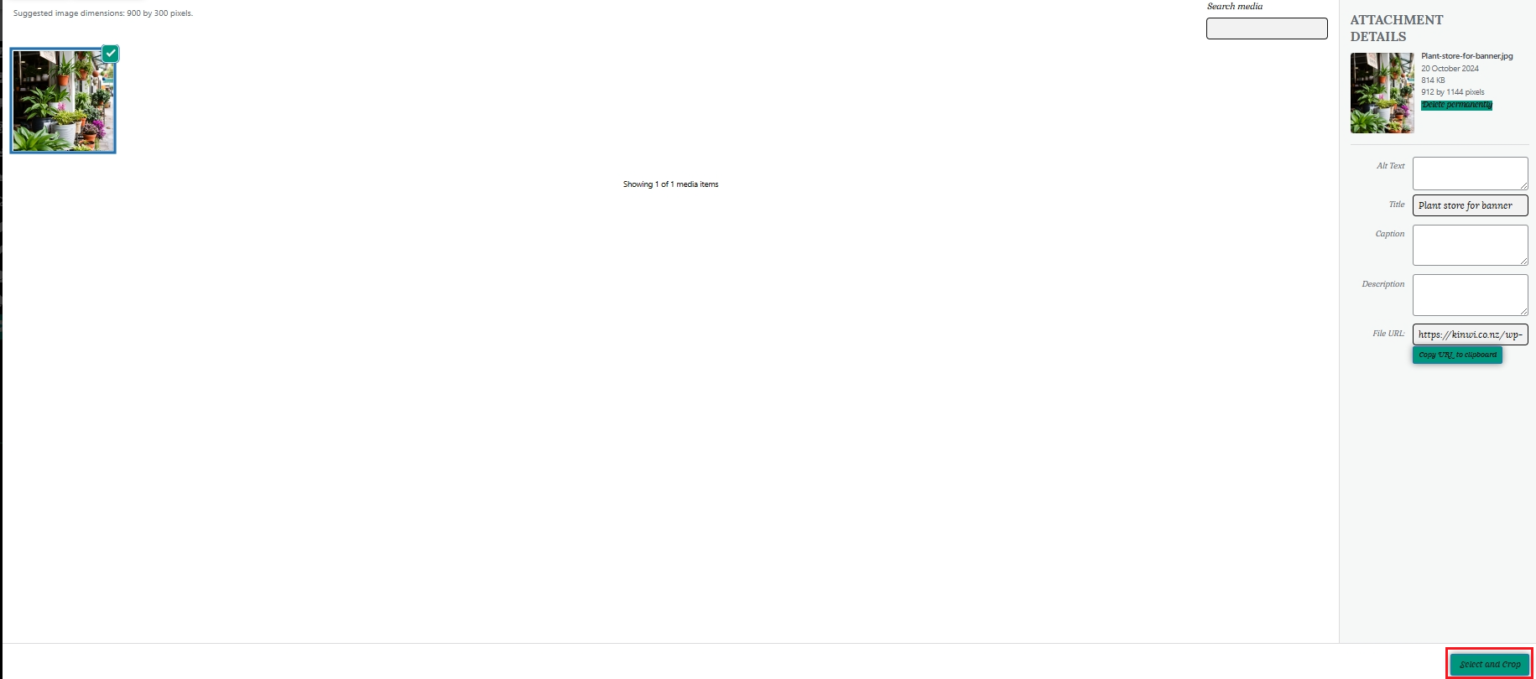
Once your image is loaded, click the “Select and Crop” button.

You will then be able to move the highlighted template to an area of your choosing on your image. Click on the “Crop Image” button when you are done.

Your banner will now be added to your store.
2/ Next, add your profile picture. Click “Upload Photo.”
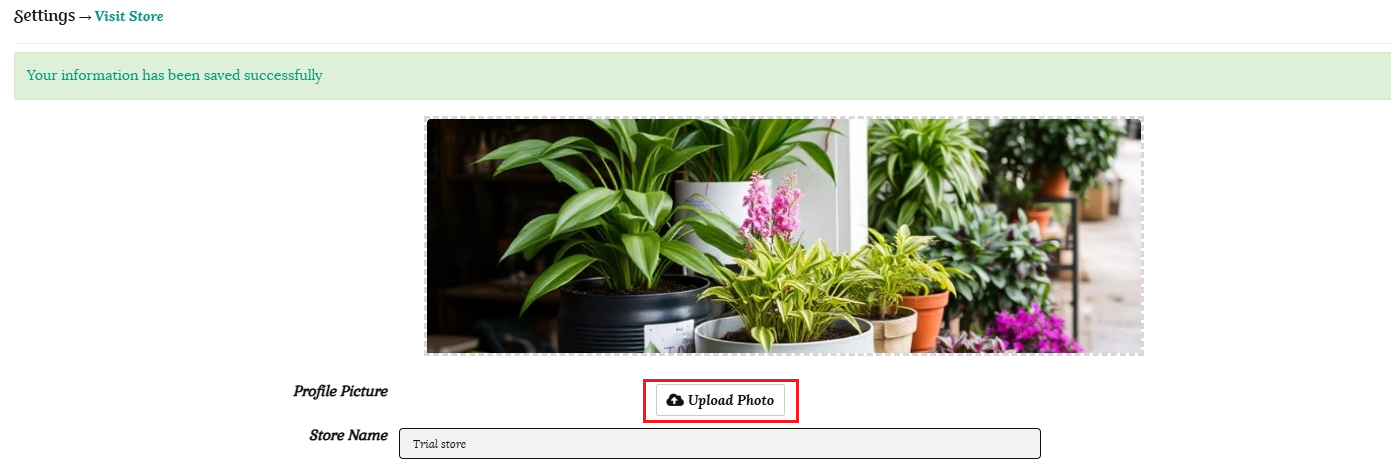
Move the highlighted template to the desired location and click the “Crop Image” button.
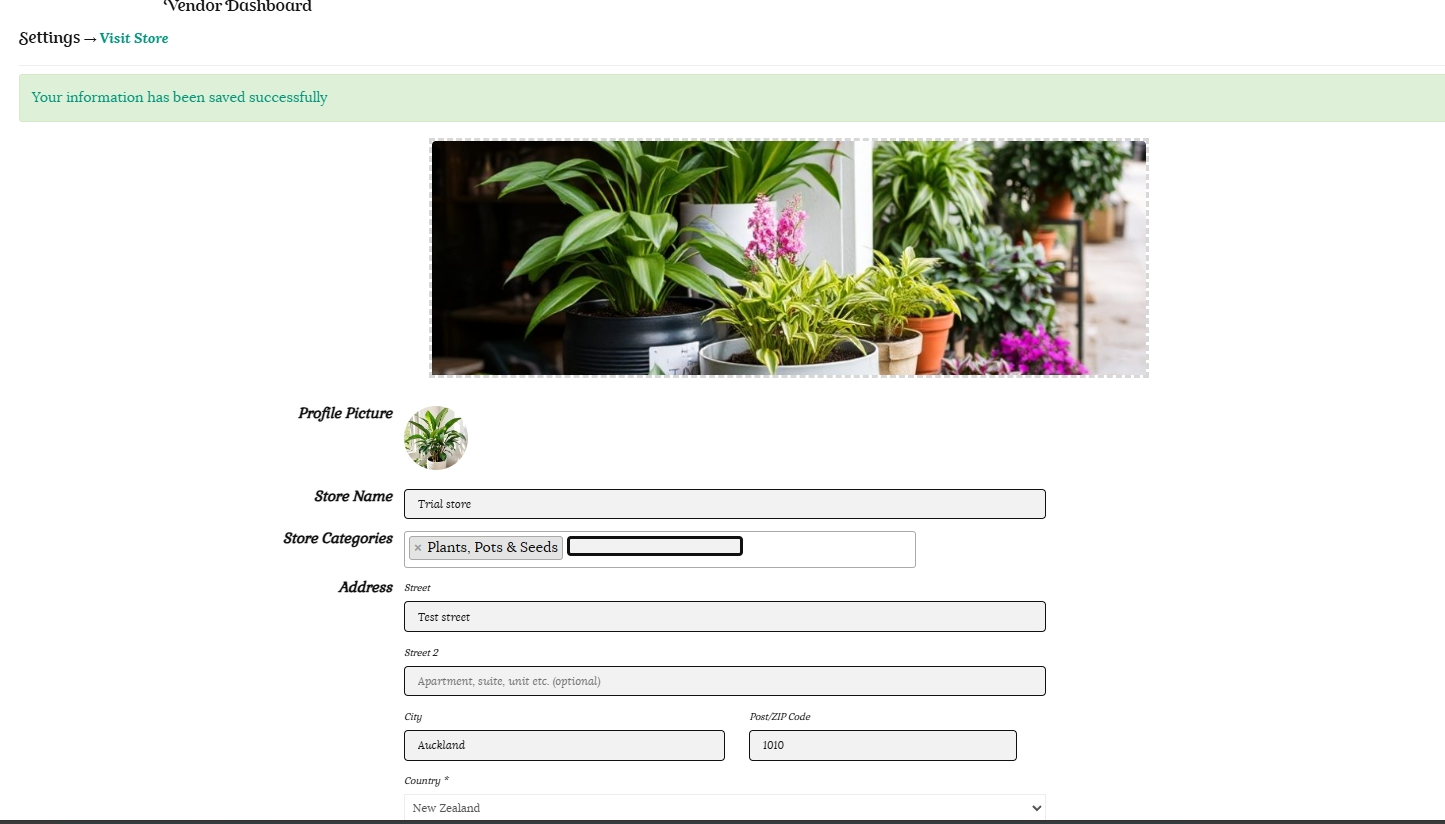
Your store banner and profile picture will now be added to your store.
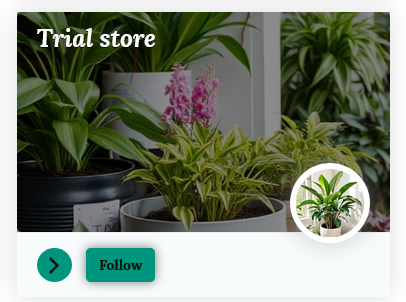
This is how our test store will appear in the store list on the Kinwi site.
This is how our test store page will appear to customers on our main store page.
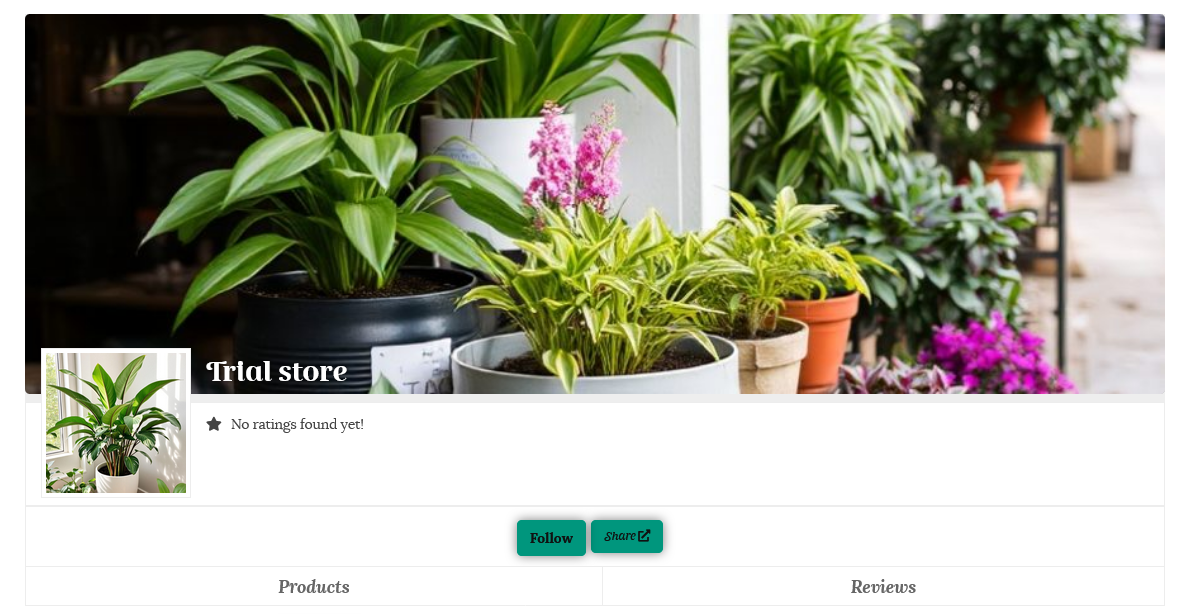
3/ Enter the name of your store.
4/ Choose which categories your products will be listed in. You are able to make multiple selections.
5/ Fill in your store address and contact phone number. As a safety precaution,your street address and phone number will not be visible on your store page. Your city/town/region will be shown to enable customers to search for stores in their location if pick up is an option. Once a customer has placed an order you can provide your exact address via email if the customer is collecting the item from you.
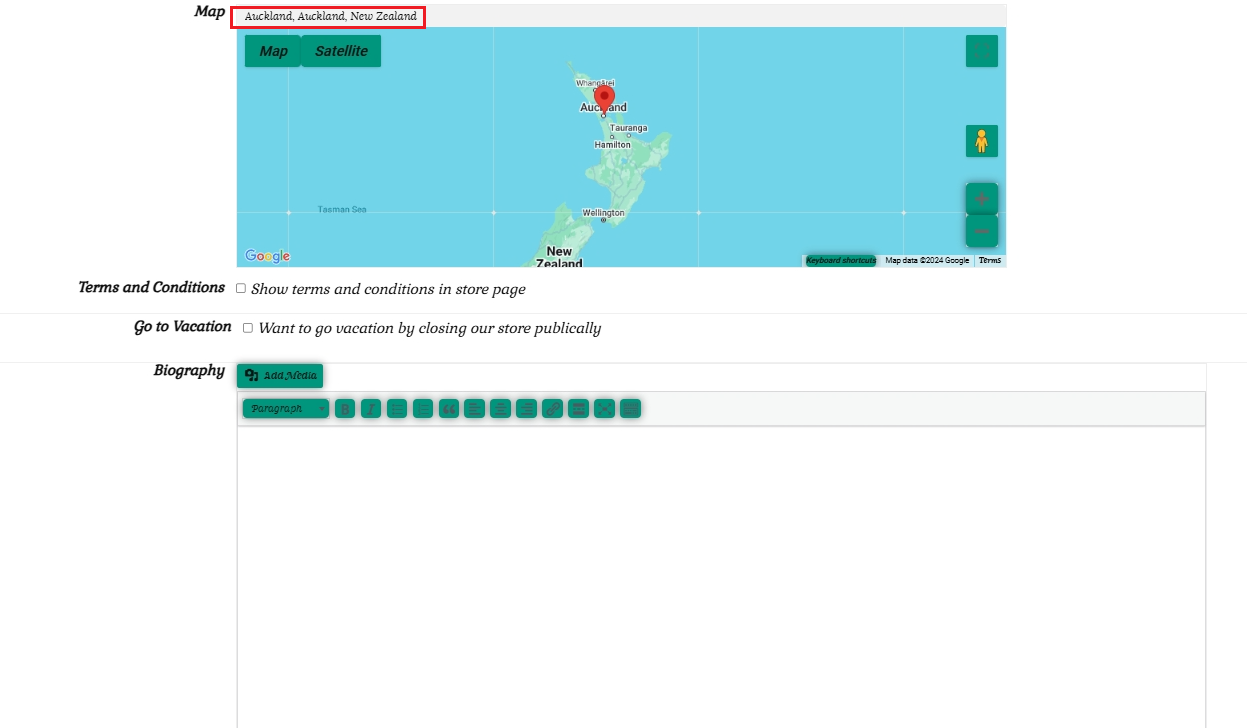
6/ Enter your City/suburb/town at the top of the map to allow buyers to have the option to select pick up from vendors near them in a store search. You can also drag the location item to your correct suburb.
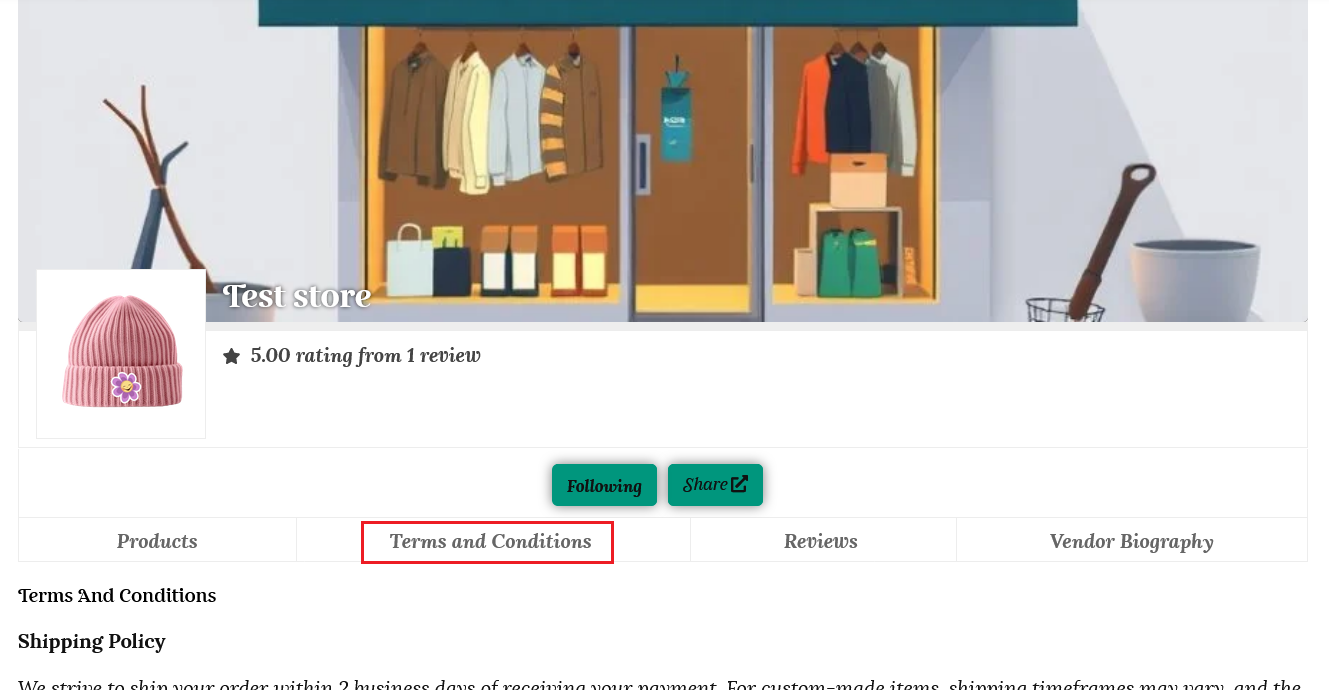
7/ It is important to add your Terms and conditions. These policies build trust with your customers as well as protecting your own interests. Use simple language and be precise and clear. These will show under a separate tab on your store page. You are welcome to use the templates below and edit them to suit your store, but please read these carefully and edit or delete any information that is not relevant, as you are ultimately responsible for your own store policies. Make sure your policies abide by New Zealand law and follow all Kinwi policies listed here.
Shipping Policy
We strive to ship your order within 2 business days of receiving your payment. For custom-made items, shipping timeframes may vary, and the specific timeframe will be noted in the product listing.
All orders are shipped via tracked mail for your convenience and peace of mind. Once your order has been dispatched, we will provide you with a tracking number so you can monitor the progress of your delivery.
Please note that while we arrange collection with our shipping partner, we are not responsible for delays caused by the courier. If your parcel is delayed, please contact us, and we will liaise with the shipping agent to resolve the issue as quickly as possible.
Refund Policy
We take pride in ensuring the quality of our products. If you receive an item that is defective, damaged, or incorrect, please contact us immediately upon receipt. Include a description of the issue and images of the item to help us evaluate the situation and resolve it promptly.
If your item is damaged or faulty:
We will offer a full refund or a replacement at no cost to you.
For minor damage, we may ask you to return the item at our expense or offer a partial refund if you choose to keep it.
If we are at fault, we will cover the return shipping costs and refund the original shipping fee along with the item cost. Refunds will be processed to your original payment method.
Cancellation/Return/Exchange Policy
Order Cancellation
If you wish to cancel an order, please contact us as soon as possible. We can cancel orders that have not yet been shipped or are not custom-made.
Change of Mind Returns
We accept change of mind returns provided that:
You notify us within 7 days of receiving the item.
The item is unused, in its original packaging, and in the same condition as received.
The following items are non-returnable:
If you return an item due to a change of mind:
You are responsible for the return shipping costs.
Contact us before returning the item to receive the correct return address.
Refunds for approved returns will exclude the original shipping fee and will be processed using your original payment method.
Inspection and Refunds
Once we receive your returned item, we will inspect it and notify you of the outcome. If approved, refunds will be processed promptly using your original payment method.
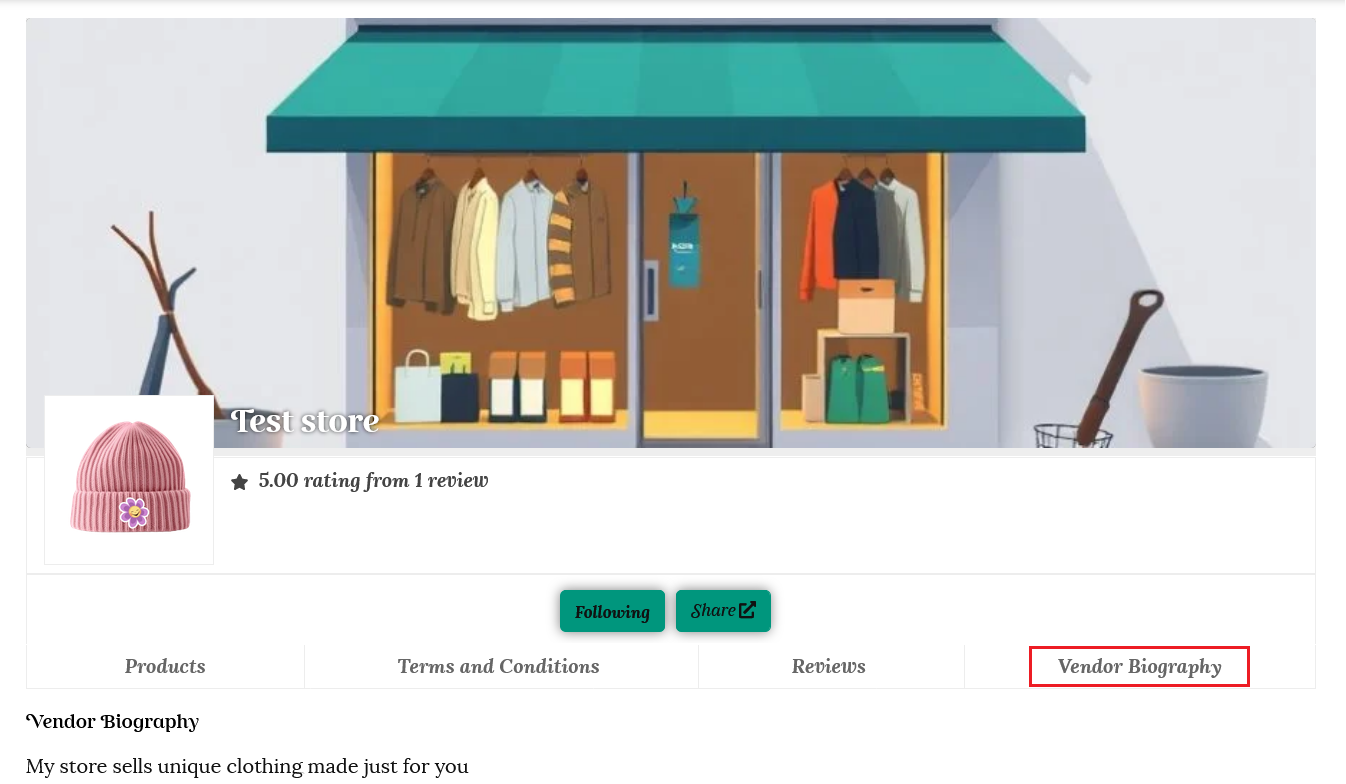
8/ The biography section is where you can tell your story. Customers will love reading the details, so you can add an emotional touch while you explain the idea behind your brand and products. Tell of any challenges you faced and how you solved these problems. You can add information, images and videos to show how your products are created and tested, and provide details of any local manufacturers you partner with. As most customers are aware of the importance of protecting our environment, you can also list any eco-friendly materials and packaging you use.
Your biography will be added to a tab on your store page.
9/ Please make sure you click the “Update settings” button at the top or bottom of the page to save your details.
Vacation option
If you wish to go on vacation, this is where you select your message and time to close your store.
